FarFrom / Mac workspace
Follow the
footage.
A creator’s guide to the Library, the edit review, the Posts calendar and recorded results.
Library
Choose the shot.
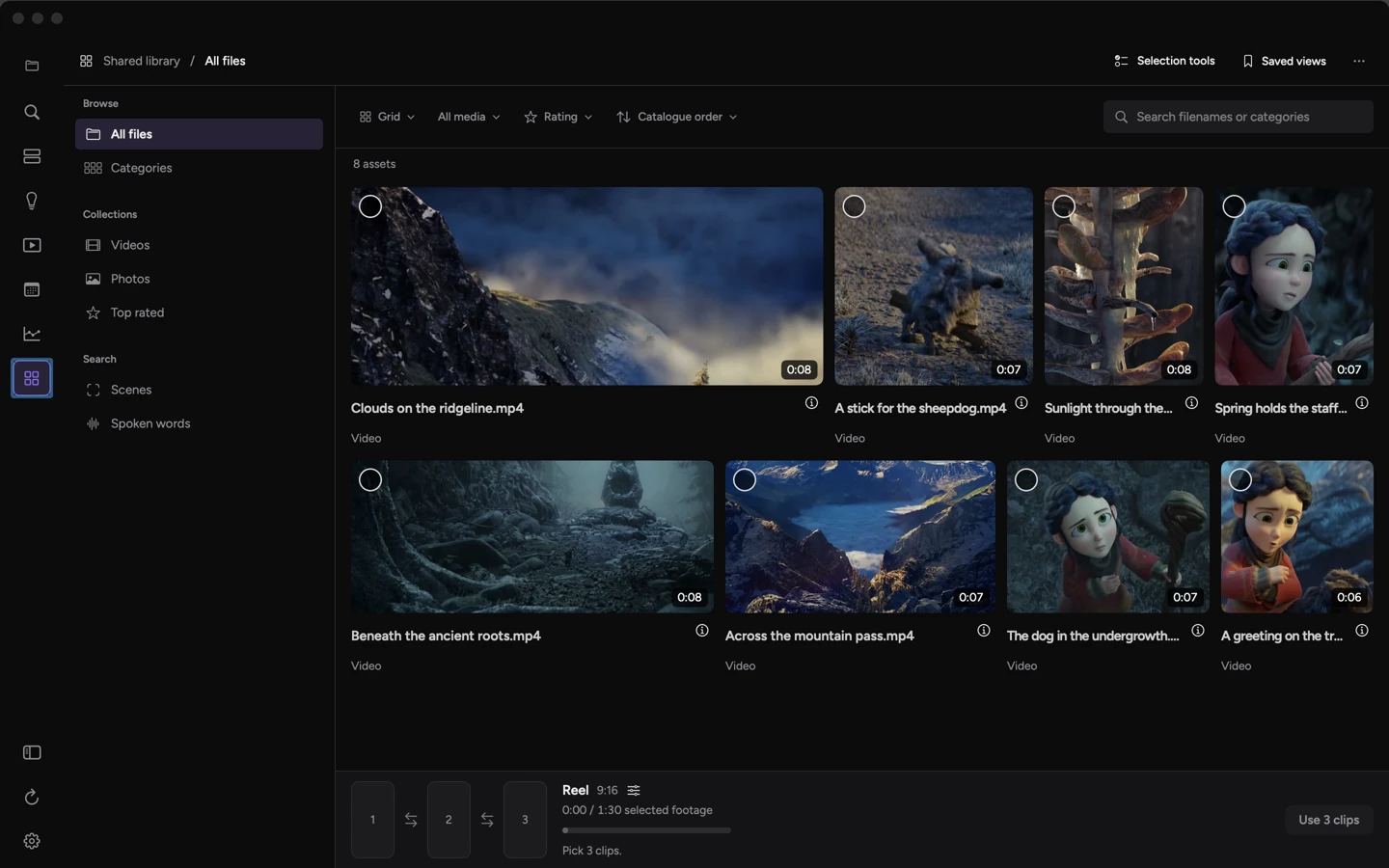
Start with your account guide and the material you have. The Library keeps the shape of each clip visible. In this sample workspace, eight excerpts from Spring are available. The empty reel strip shows where your selections will go.
Review a change before it reaches the cut.
A comment can describe a different timing or shot. The editor returns an edit for review or asks for clarification. The creator applies the change.
Open the recorded editPosts
Schedule the reviewed version.
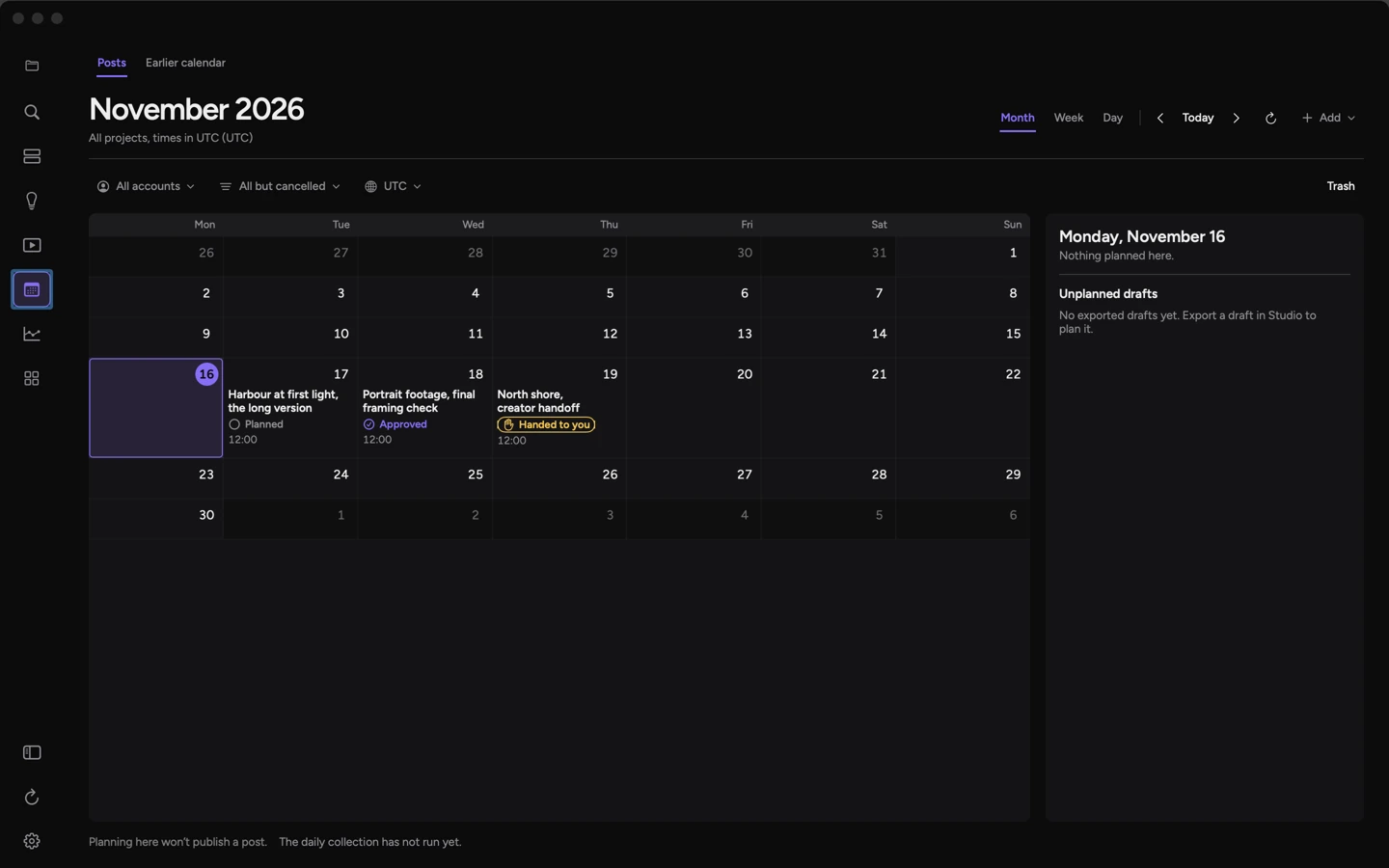
A planned post has a date, a title and a review state. Check its caption and time before approving it. A newer draft may exist after approval. Keep track of which version you reviewed when using the calendar.
Results
Read what was recorded.
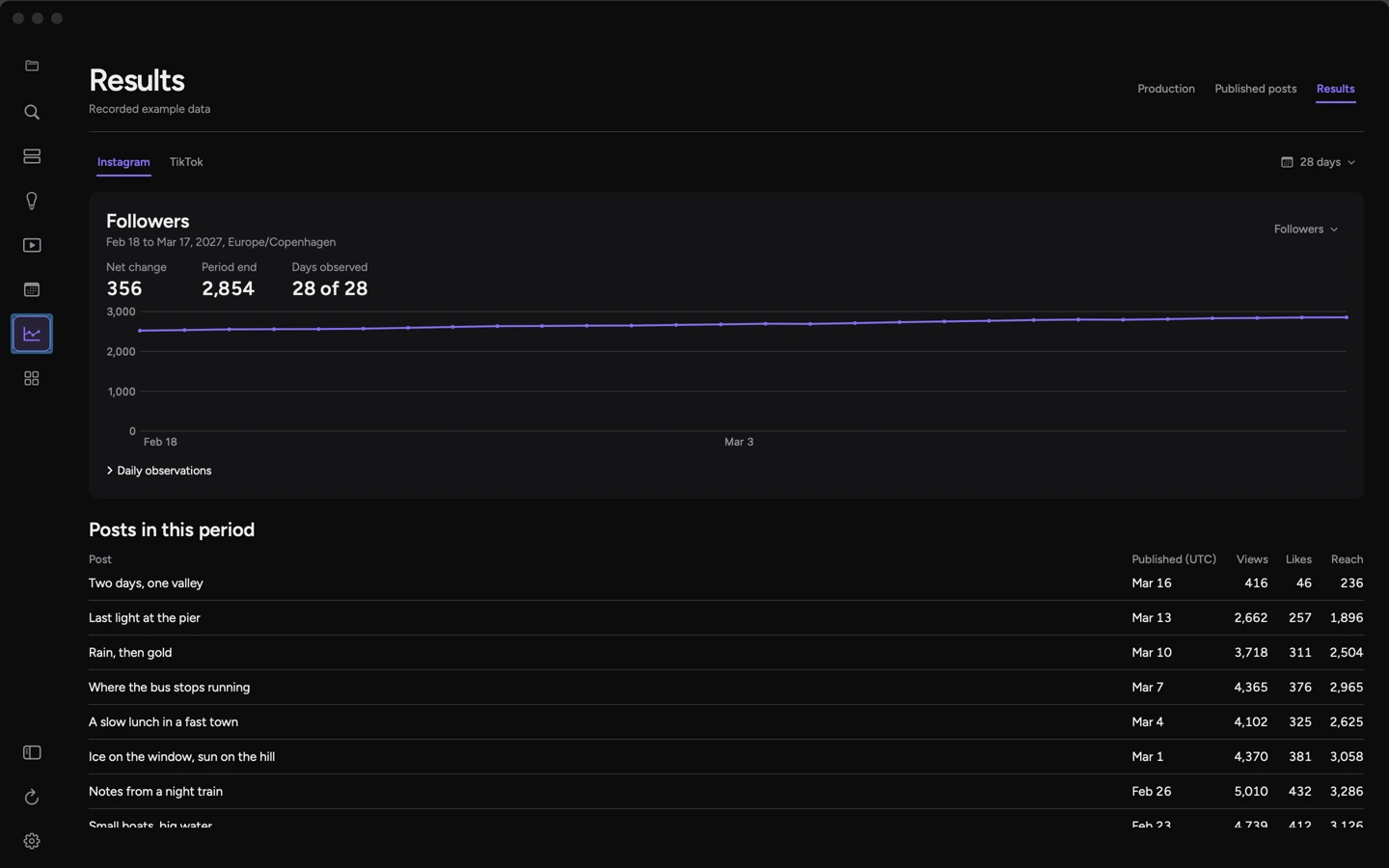
Choose an account and date range to inspect the available observations. An explicit zero is a measured value. A missing reading leaves a gap. This screen uses recorded example data.
Library thumbnails use edited excerpts from Spring, Blender Foundation / CC BY 4.0.